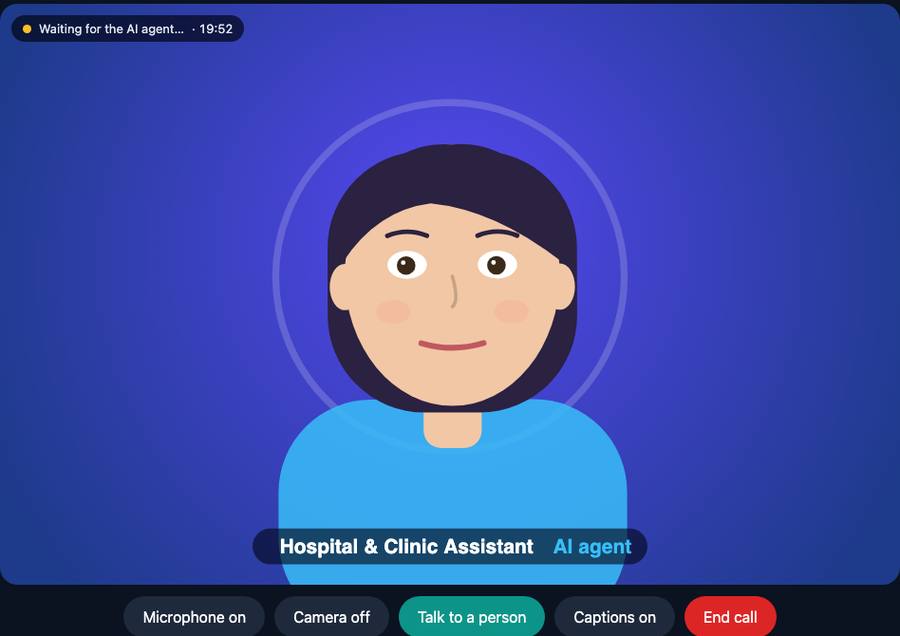
A caller can open a video call with an animated AI assistant in their browser, ask for a person and be joined by one in seconds, share a screen, or be sent a link by text. Calls can also be offered over WhatsApp and other apps before they fall back to the phone network.
A link opens a video call in the browser with one assistant, shown as an animated avatar drawn in the browser. Set the call length, calls at once, total calls and an expiry; every limit is enforced on the server.
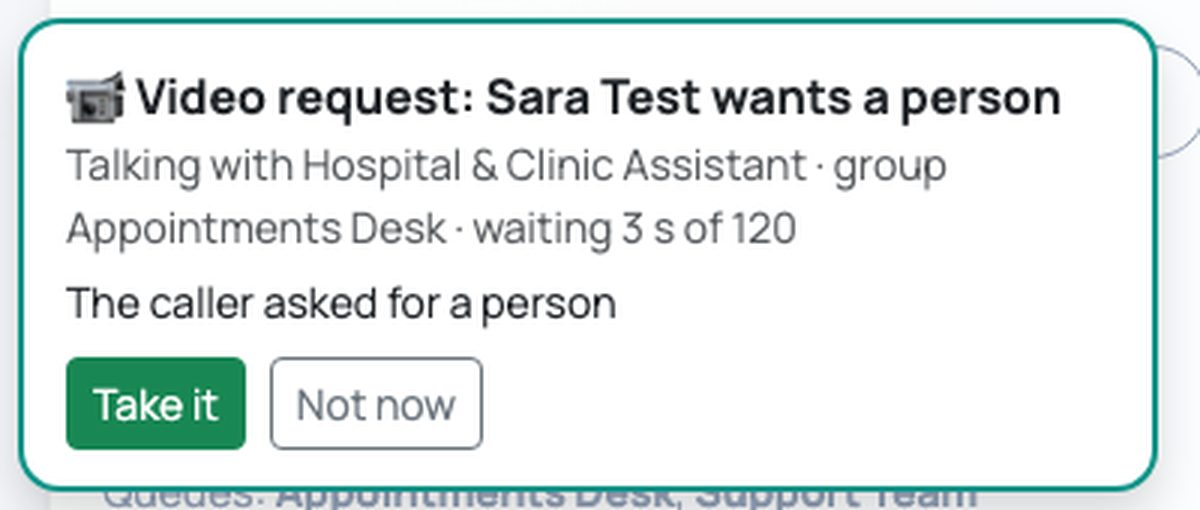
A Talk to a person button, or the assistant itself, asks your chosen group. People who are online get an alert in the agent portal with the last lines of the conversation; the first to take it joins the same call and the assistant steps out.
Once a person has joined, the caller can share their screen, and so can the person. It is switched on while the caller stays connected, and only when you allow it.
The assistant, or one of your agents during a call, can text the caller a one-time link to continue as a video call.
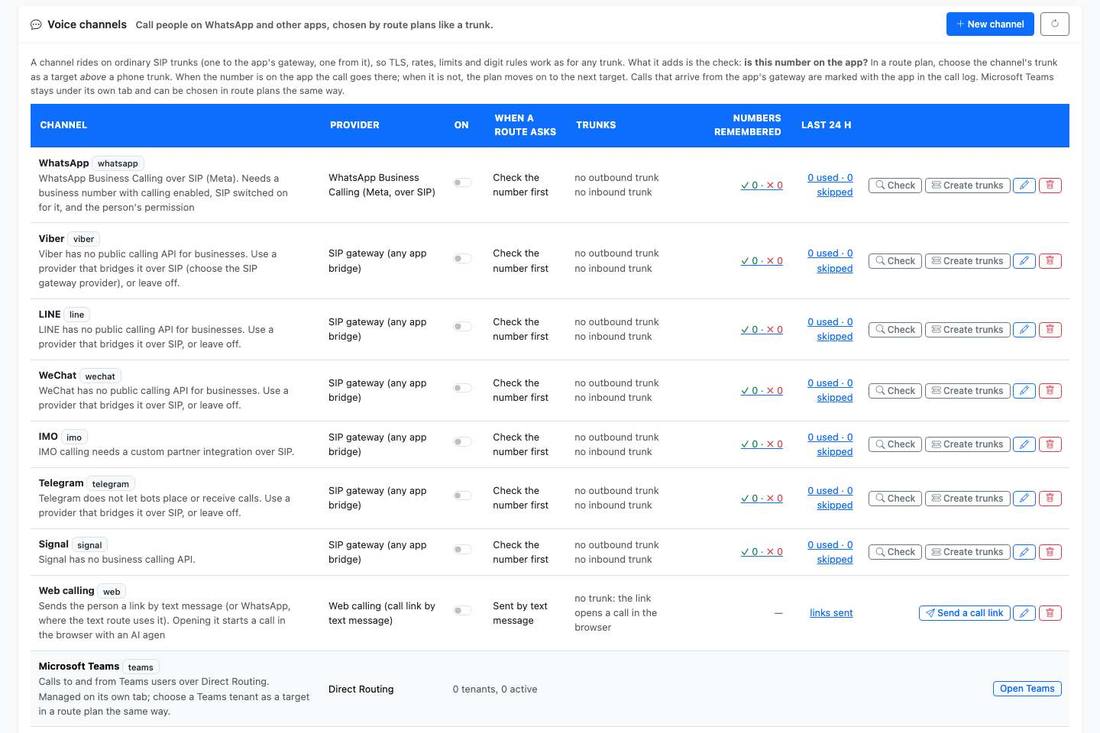
A route plan can list a chat app above a phone trunk. Before a call goes out the router asks whether the number is on the app, and moves on to the next target if not.
WhatsApp Business Calling is built in. Viber, LINE, WeChat, IMO, Telegram and Signal are supported through a SIP-gateway provider you choose. Each channel is switched off until you turn it on.
Apps ride on ordinary SIP trunks, so TLS, rates, limits and digit rules apply unchanged, and calls from an app gateway are marked with the app in the call log.
In the SMS platform, WhatsApp and other apps are delivery lanes too: probe whether the number is reachable, send on the app if so, fall back to SMS if not.
Video hand-off works for browser video calls. Moving a phone call onto video, and video that the assistant itself can see, are not part of the product today. WhatsApp calling needs a business number with calling enabled by Meta; the other apps need a SIP-gateway provider.
We will show a caller asking for a person, your agent taking it, and the screen share.
Book a demo